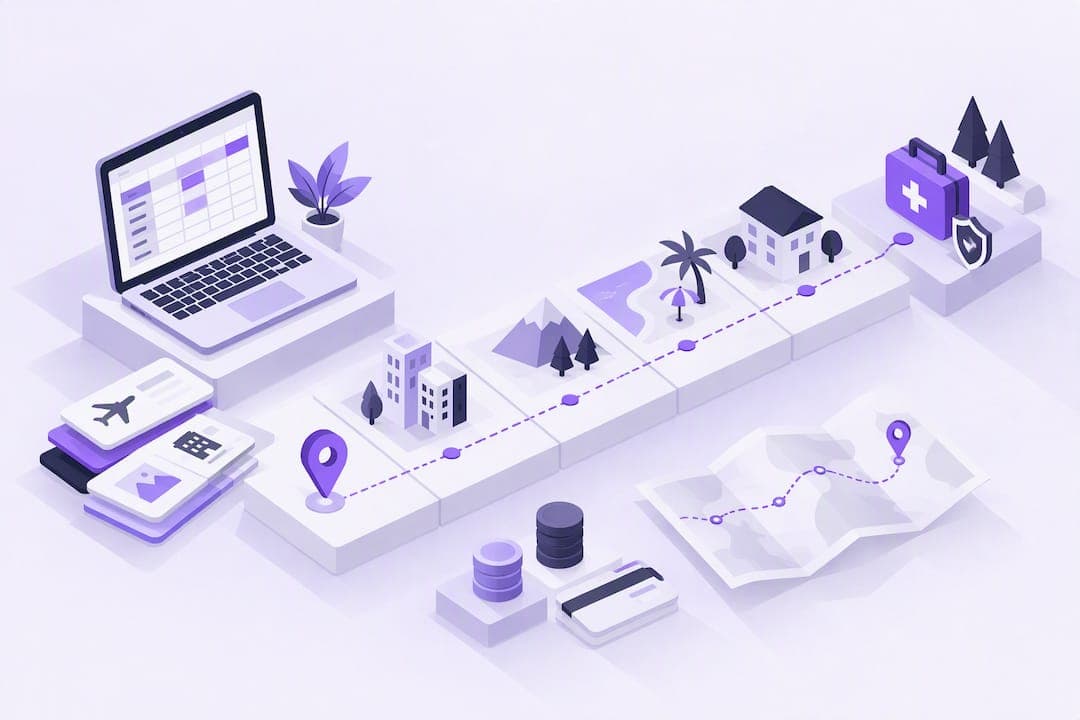
Yes, you can plan a full trip without installing a dedicated app. Use a simple master spreadsheet plus shared documents and exported PDFs or printouts as your single source of truth for itinerary, bookings, budgets, and emergency information. If your group outgrows that setup, a web-first tool like CrewsCanvas works without installs or accounts too.
TL;DR:
- Spreadsheets handle complex trip details like scheduling, budgeting, and group expenses, with real-time editing possible via Google Sheets or Excel.
- Use dedicated tabs for bookings, daily itineraries, budgets, packing, and emergency contacts, with PDF exports as reliable offline backups.
- Manual planning offers privacy and simplicity but struggles with real-time updates; larger groups benefit from web-based tools like CrewsCanvas.
- The NPS Trip Plan template provides a quick, printable emergency contact form crucial for remote or backcountry travel.
- For trips with many participants or complex logistics, a web-based platform can streamline coordination without requiring app installs or accounts.
Table of Contents
- Choosing the Right Low-Tech Format for Each Task
- Build Your Plan in Six Steps, No App Required
- Ready-Made Templates: Tabs, Fields, and the NPS Trip Plan
- Making Your Plan Survive a Dead Phone or No Signal
- Coordinating a Group Without Installing Anything
- When Manual Planning Wins and When It Doesn't
- A Web-First Option When Manual Methods Get Complicated
- FAQ
- Sources
Choosing the Right Low-Tech Format for Each Task
Not every piece of your trip belongs in the same place. Matching the format to the task keeps your plan usable instead of scattered across ten browser tabs.
A spreadsheet is the workhorse. It handles sorting by date, running budget formulas, and organizing multiple tabs, which matters once you're juggling flights, hotels, and a group of people splitting costs. Google Sheets or Excel both let every traveler in the group edit the same file at once, so nobody is working from an outdated version.
A plain document, like a Google Doc or Word file, works better for anything narrative: packing notes, restaurant recommendations, or a backup description of your plans in case the spreadsheet gets complicated. Documents are also easier to skim on a phone screen when you just need a quick reminder.
Printables and PDFs earn their place as your fallback layer: a printed map, an emergency contact sheet, or a PDF export of your bookings tab that works with no signal and no battery anxiety.
Before you build anything else, add these fields to whatever format you start with:
- Date and time for each booking or activity
- Vendor name and confirmation number
- Direct contact phone number for that vendor
- Cost and who paid
Build Your Plan in Six Steps, No App Required
Start broad and narrow down. This sequence keeps you from booking things out of order or missing a connection.
- Block your travel dates and major legs first. Pin down departure and return dates, then sketch the big transport segments before anything else.
- Check transport schedules before you book lodging. A flight or train time can shift your whole itinerary, so confirm those first.
- Log every booking on a dedicated tab. Record vendor, confirmation number, time, and a contact phone number the moment you book.
- Build a day-by-day distilled view. Strip each day down to a few lines so you can see pacing and spot where you've left free time.
- Set up a group budget tab. Track planned versus actual spending, with a per-person column so reconciliation at the end is simple math instead of a group argument.
- Create a packing and documents tab. List passports, insurance papers, and tickets, and note which ones you'll print or keep offline.
Add a seventh tab for emergencies: who to call first, local emergency numbers, and embassy or consulate information if you're traveling internationally. The Department of State's traveler's checklist recommends enrolling in STEP and recording that contact information before you leave, which makes this tab worth filling out even for a short trip.
Pro Tip: Color-code your Bookings tab by traveler so everyone can scan the sheet and find their own reservations in seconds.
For the day-by-day structure, our guide on building a group trip itinerary walks through pacing a multi-day schedule so nobody burns out by day three.
Ready-Made Templates: Tabs, Fields, and the NPS Trip Plan
Setting up tabs from scratch eats time you'd rather spend packing. Here's a layout you can copy directly.
- Bookings: date, vendor, confirmation number, time, contact, cost
- Day-by-Day: day, location, morning, afternoon, evening, notes
- Budget: item, estimated cost, actual cost, payer, per-person share
- Packing: item, owner, packed (yes/no)
- Emergency: contact name, phone, relationship, local emergency number, embassy contact
For the Emergency tab specifically, the NPS Sample Trip Plan gives you a fillable PDF built for exactly this purpose: who's traveling, where, expected return time, and vehicle description. The National Park Service designed it to capture the details search-and-rescue teams actually need, and it's meant to be printed or emailed to a trusted contact who isn't on the trip, according to the NPS Trip Plan guidance.
A fillable safety template takes minutes to complete and can matter if something goes wrong on a remote trail or backcountry route, per the NPS Trip Plan guidance.
For file naming, keep it simple: TripName_Section_Date.pdf, stored in one shared folder so nothing gets lost between a laptop and a phone.
Making Your Plan Survive a Dead Phone or No Signal
Your plan is only as good as its weakest backup. Export your Bookings, Budget, and Emergency tabs to PDF and store them in one clearly labeled "Trip" folder, so you're never hunting across apps when you need a confirmation number.
Screenshot anything that might not load without data: booking confirmations, map waypoints, and your emergency numbers sheet. Keep a printed pocket sheet with the basics, dates, addresses, emergency contacts, and hand a copy to each group member before you leave home.

For maps, save screenshots of key routes, print a paper map of unfamiliar areas, or download a region PDF ahead of time. If you'd rather keep partial connectivity instead of going fully offline, an eSIM data plan can cover basic map access without needing a local SIM card.
Pro Tip: Print two copies of your pocket sheet: one for your bag, one for a travel companion's bag, in case you get separated.
Coordinating a Group Without Installing Anything
Group logistics are usually the hardest part, and they don't require an app to work.
- Run a date poll using a shared spreadsheet column where everyone marks their available dates, or just reply-all to an email thread.
- Track expenses with a simple ledger: a total cost cell, a per-person share formula, and a "paid" column you filter to see who still owes money.
- Protect shared links by setting view-only permissions where possible and avoiding sensitive details like passport numbers in a document anyone in the group can forward.
This works well for small, simple trips. Once your group starts juggling a dozen shared expenses or itinerary changes every few days, a tool that automates date voting and expense splitting, like DateSync and SplitEase, removes a layer of manual reconciliation without requiring anyone to create an account. For a deeper comparison, see spreadsheets versus trip planning apps.
When Manual Planning Wins and When It Doesn't
Manual planning wins on privacy and simplicity: no account to lose, no data pushed somewhere you didn't choose. It loses on real-time updates, since a spreadsheet won't text your group when a flight changes. As a rough guide, stick with spreadsheets and printed backups for smaller groups or trips with few moving parts, and start small with a spreadsheet plus the NPS Trip Plan, then adjust as your trip gets more complex.
— CrewsCanvas
A Web-First Option When Manual Methods Get Complicated
When your group grows past a handful of people, or expenses start piling up across a dozen vendors, manual spreadsheets can turn into a second job. That's the gap we built our platform to close: group planning that stays web-based with no required app install or participant accounts.
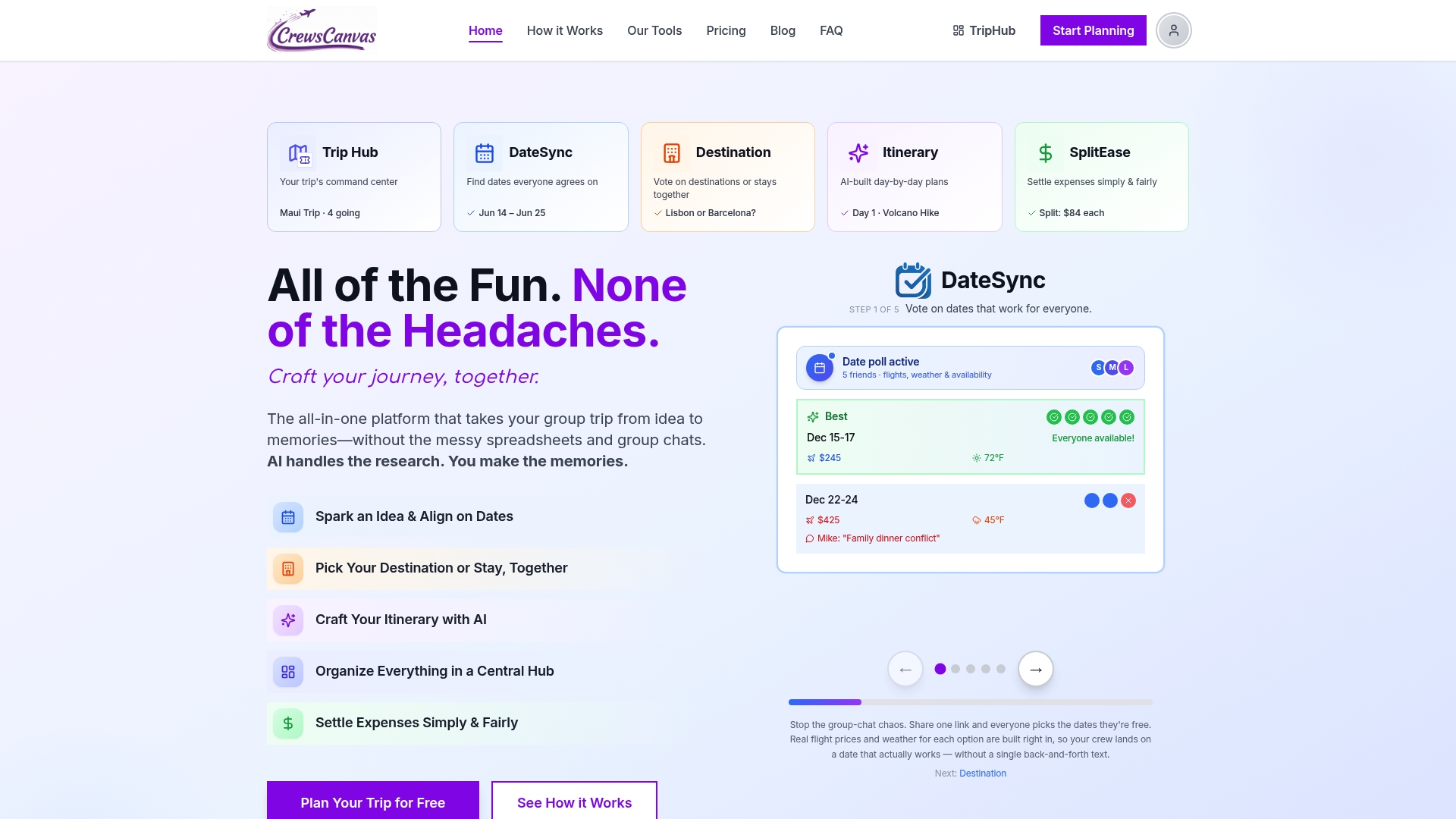
Our platform replaces the back-and-forth date poll with a single shared link where everyone votes. It generates day-by-day itinerary schedules from rough plans and tracks group expenses with settlement features, including receipt scanning, so nobody has to do the math by hand. If your next trip involves more than a few people or more than a few shared costs, check our pricing, including a free plan for smaller groups and a One-Trip Pro option at $14.99 one-off for a single trip.
FAQ
What is the best free trip planner app?
There's no single "best" free app since it depends on your group's needs, but a free spreadsheet template in Google Sheets covers itinerary, budget, and bookings at no cost. For groups that want shared voting and expense splitting without installs, our Free plan covers the basics too.
Is there a free itinerary planner available?
Yes, a shared Google Sheet or Google Doc works as a free itinerary planner, with one tab or section per day listing activities and times. You can also use the NPS Sample Trip Plan as a free, printable template for the safety side of your plan.
What is the best app to plan my travel route?
For a no-app approach, a paper map or a printed region PDF covers route planning without needing a signal. Travelers managing complex multi-stop routes often pair a master spreadsheet with printed backups of each leg, following the layout outlined by Seat61's spreadsheet method.
Which trip planner is best for a group?
The right choice depends on group size and how often plans change: a shared spreadsheet works well for small, stable trips, while a web-based tool with built-in date voting and expense splitting suits larger or more active groups. CrewsCanvas covers the second case without requiring every participant to create an account.
Do I need to register for anything to use a no-app trip planner?
No, a spreadsheet, a shared document, and printed exports require no registration at all. If you choose a web-first tool for added features, participants using a shared link with CrewsCanvas don't need to create an account either.
Sources
- Independent travel: How to plan a budget & itinerary — Seat61
- NPS Sample Trip Plan (fillable PDF)
- Trip Plan (U.S. National Park Service)
- Traveler's Checklist — U.S. Department of State