
Itinerary voting means putting a few concrete plan options in front of your group and letting everyone weigh in before anything gets booked. Done well, it replaces the endless "what does everyone want to do?" thread with a short, structured decision that people actually finish. This guide shows how to present the options, which voting method to use, how to keep the result fair, and what to do when plans change.
TL;DR
- Itinerary voting works best when you vote on specific, comparable options (a day plan, an activity, a neighborhood to stay in), not on open-ended questions.
- Let people form their own preferences first, then compare them together. Research on shared itineraries found this two-stage flow encourages more cooperative behavior.
- Pick a voting method that fits the decision: a simple pick-one vote for big choices, approval or ranking when there are many options.
- Check accessibility, budget and timing needs before you lock in the winner, and keep the plan editable afterward.
- Use one shared link so nobody has to download an app or create an account just to vote.
Table of Contents
- What itinerary voting actually means
- Why groups struggle to decide without a vote
- A two-stage process that keeps votes fair
- How to present options so people can actually vote
- Choosing a voting method
- Handling conflicting preferences
- What to check before you lock the winning itinerary
- Updating the itinerary when plans change
- Our perspective: voting should be easy to join
- Run your next itinerary vote in CrewsCanvas
- Frequently asked questions
- Sources
What itinerary voting actually means
A group itinerary is a sequence of choices: where you go, what you do each day, in what order, and how much each part costs. Itinerary voting is the habit of turning those choices into a visible ballot. Instead of one organizer guessing what the group wants, each person signals a preference, and the group sees the result together.
It can happen at three levels:
- Trip-level votes: destination, dates, type of lodging.
- Day-level votes: which of two or three sample days the group prefers (a beach day or a hiking day, for example).
- Activity-level votes: individual activities, restaurants or tours that go on or off the list.
Most groups need all three, in that order. Dates and destination shape everything else, so settle those first. We cover those steps in our guides on picking a trip date when everyone has different schedules and choosing a destination everyone agrees on. This article picks up once those are set and you are shaping the plan itself.
Why groups struggle to decide without a vote
If you have ever been buried in a 200-message group chat, you know the pattern. The loudest voice wins, the quiet people say "I'm easy," and the organizer quietly decides everything and gets blamed for it later.
There is a real reason this happens. Research on group decision making has found that groups can channel members' knowledge into good outcomes, but they may settle on an inferior option when members fail to share what they privately know. On a trip, that private information looks like "I get seasick," "I can't afford a third night there," or "I'd love to do that hike but my knee is bad." A chat rarely draws it out. A ballot that asks everyone the same question does.

A vote also gives quiet members an easy way in. Tapping an option takes ten seconds. Writing a paragraph that disagrees with the organizer takes courage.
A two-stage process that keeps votes fair
The most useful finding for anyone running a trip vote comes from a 2021 research project called CoSeq. In it, each traveler first builds and orders a preferred itinerary on their own. The group then compares those versions on a shared screen, discusses where they differ, and gradually edits toward agreement. The study involved 15 teams of three friends, and its authors report that making everyone's preferences visible reduced the effort of communicating preferences by 21% and encouraged more cooperative consensus-building.
You do not need special research software to borrow the idea. Here is a version any group can use:
- Collect solo picks. Ask each person to choose or rank their favorite options privately, before seeing anyone else's. This stops early votes from anchoring everyone else.
- Reveal everything at once. Show the combined results so overlaps and gaps are obvious.
- Discuss only the splits. If eight of ten people picked the same food tour, skip it. Spend your time on the items where opinions are divided.
- Revote or adjust. Often a small tweak (moving an activity to a different day, adding a second option) resolves a split.
- Lock the winner and say so. Post the result clearly so nobody is surprised later.
The pattern also shows up outside travel. A user study of a group decision tool called Decidio found that groups ranking project options used pros-and-cons lists, voting, brainstorming and discussion to get there. Voting rarely works alone. It works best as the step that turns discussion into a decision.
How to present options so people can actually vote
The quality of a vote depends on the quality of the options. A few rules make a big difference.
Keep options concrete and comparable
"Something outdoorsy" is not a ballot item. "Half-day guided kayak tour, about three hours, $70 per person" is. Give each option the same few facts: what it is, how long it takes, the rough cost per person, and any physical demands.

Limit the list
Three to five options per decision is plenty. Twelve options produce a scattered vote where the winner has 15% support. If you have a long wish list, run a quick first round to cut it down, then vote on the finalists. Our guide to running activity voting in about 10 minutes walks through that cut-then-vote approach.
Offer whole-day options when the plan is tight
For a weekend trip, it can be easier to vote on two or three complete sample days than on thirty individual activities. People can picture a full day and see the tradeoffs. The AI-assisted itinerary builder can draft those sample days from your group's destination and preferences, and you can edit them before they go to a vote.
Set a deadline
A vote with no end date drags on. Give the group a window, such as 48 hours, and say what happens if someone does not respond: their vote simply does not count, and the plan moves on.
Choosing a voting method
Different decisions call for different methods. Here is a practical comparison.
| Method | How it works | Best for | Watch out for |
|---|---|---|---|
| Pick one | Each person votes for a single option | Big, either-or choices like lodging type | Splits the vote when there are many options |
| Approval | Each person selects every option they would be happy with | Activities and restaurants | Can hide how strongly people feel |
| Ranking | Each person orders options from favorite to least | Choosing between three to five finalists | Takes more effort per voter |
| Points | Each person gets a fixed number of points to spread around | Showing strong preferences | Needs a short explanation first |
For most trips, we suggest approval voting for activities ("tick everything you would enjoy") and pick-one for the major decisions. Approval makes it easy to find the options nobody objects to, which is often what a mixed group needs most.
A worked example
Say eight friends are planning a long weekend and have three candidate Saturdays:
- Day A: Morning hike, picnic lunch, evening cookout.
- Day B: Brewery tour, afternoon free time, group dinner out.
- Day C: Beach morning, boat rental, casual dinner.
In an approval vote, Day A gets six ticks, Day B gets five and Day C gets seven. Nobody has to fight for their favorite, and the group can see that Day C is broadly acceptable. Then the organizer notices that the two people who skipped Day A both mentioned bad knees. Rather than a winner-takes-all outcome, the group might choose Day C and add a short, flat nature walk on Sunday. A vote that surfaces this kind of information is doing its job.
Handling conflicting preferences
Even a good vote leaves some people disappointed. A few habits keep that from turning into resentment.
- Rotate the wins. If one person's pick lost on Saturday, give their pick priority for Sunday's dinner.
- Protect free time. Not every hour needs to be voted on. A block of open time lets people who lost a vote do their own thing.
- Let small groups split off. A two-hour activity that only half the group wants can run in parallel without anyone feeling left out.
- Separate budget conflicts from taste conflicts. If the problem is cost, not interest, say so openly. Tools that show per-person costs up front help, because nobody has to announce they cannot afford something in front of the group.
- Keep votes visible. Research on a shared decision-support approach by Lami and Todella (2026) found that shared visualization, traceability and staged transitions supported consensus and helped manage dissent. In plain terms: people accept results more easily when they can see how the group got there.
If you want more detail on moving a stuck group toward agreement, our post on getting a friend group to agree on a destination covers the same tactics at the destination level.
What to check before you lock the winning itinerary
A popular plan is not automatically a workable one. Before you treat the vote as final, run through this list.
Accessibility and mobility. Ask whether every person can take part in the activities that won. The CDC advises assessing each international itinerary individually with travel agencies or tour operators that serve travelers with disabilities, and confirming that necessary accommodations are available throughout the trip. The same page notes that under the Air Carrier Access Act, U.S. airlines must meet specific accessibility requirements, though some specialized accommodations may need up to 48 hours of advance notice. If someone in your group uses a wheelchair or needs special assistance, raise it before booking flights, not at the airport.
Budget. Add up the per-person cost of the winning plan, including shared costs. If the total is higher than people expected, revote on one or two expensive items rather than letting the whole trip stall.
Timing and logistics. Check opening hours, travel times between stops and booking lead times. A voted-on plan that needs four hours of driving on day two is a plan people will quietly resent.
Dietary needs and comfort limits. Collect these in the same place as the vote, so they are not buried in a side chat.
Cancellation terms. Before anyone pays for a tour or a table, check what happens if plans change. It leads naturally into the next question.
Updating the itinerary when plans change
The itinerary you vote on in week one rarely survives untouched until departure. Someone gets a work conflict, weather turns, or a venue closes. A few habits help.
- Keep one source of truth. One shared plan, not a PDF in one chat and a screenshot in another. If a change is not in the shared plan, it did not happen.
- Vote on swaps, not rebuilds. When something falls through, offer two or three replacement options for that slot only, and run a quick vote. Leave the rest alone.
- Announce changes with the reason. "The boat tour is full that day, so here are two alternatives" gets better responses than a silent edit.
- Reconfirm with the people affected. If a change hits only the group that was doing the hike, ask only that group.
- Track the money. A changed plan often changes costs. Update shared expenses at the same time so nobody discovers a surprise at the end of the trip.
For a deeper look at keeping a plan usable once it is built, see our guide to building a shared travel itinerary your group will really use.
Our perspective: voting should be easy to join
We built CrewsCanvas because the biggest obstacle to a group vote is rarely disagreement. It is friction. Ask ten people to download an app and make an account, and three will not do it, and those three are often the ones whose preferences the organizer most needs to hear.
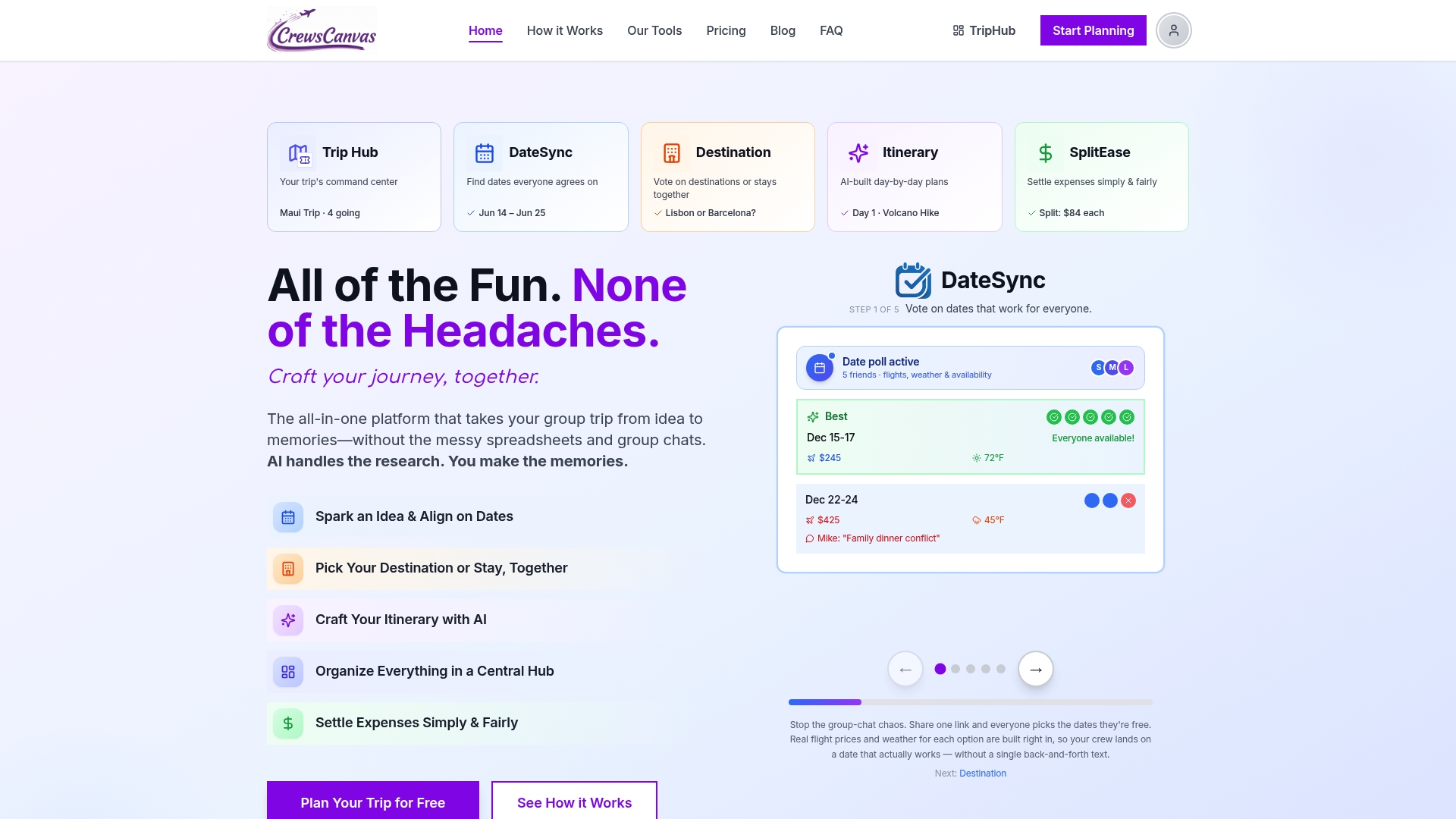
That is why voting in CrewsCanvas runs through a shared web link. Participants can open it, vote on dates, destinations or itinerary options, and see the results without installing anything. The organizer sees where the group agrees, and the group sees the same thing the organizer does. We think a plan feels fairer when everyone watches it get made, even if their own pick did not win.
We also think voting should not be the only tool. A spreadsheet can hold a list of ideas, but it cannot collect a clean vote, and a chat can hold opinions but loses them within a day. Our view is that dates, destination, itinerary and costs belong in one place, so a decision made in one area carries into the next. If you are weighing the two approaches, our comparison of a group trip spreadsheet versus a trip planning app lays out the tradeoffs honestly.
— CrewsCanvas
Run your next itinerary vote in CrewsCanvas
CrewsCanvas gives you date polling with DateSync, destination and accommodation voting, AI-generated itineraries you can customize, TripHub for shared documents and reservations, and SplitEase for tracking and settling expenses, including receipt scanning. Everything works from a web link, and your group does not need accounts to take part.
There is a Free plan for small groups. If you want more capacity and advanced features, Pro Subscription is $9.99 per month, and One-Trip Pro is a one-time $14.99 for a single trip. You can compare them on the pricing page or look at the full group trip planning toolkit.
Start with the free plan, put two or three sample days to a vote, and see how quickly your group answers when the question is clear.
Frequently asked questions
How many people need to vote for the result to count?
Set this before the vote opens. A reasonable rule for a friend group is that the plan stands if most people have responded by your deadline. For a trip where everyone is paying, aim for every paying traveler to weigh in on the big decisions, and let smaller choices like dinner spots be decided by whoever responds.
Should the organizer get extra say?
The organizer does the work, so it is fair to hold a tiebreaker. Say that up front. Tell the group that a tie goes to the organizer, or to whichever option has the lower cost. Stating the rule before the vote makes it feel like a rule, not a favor.
What if the vote ends in a tie?
Try a short runoff between just the tied options. If it is still even, look for a way to include both, such as one on Saturday and one on Sunday. As a last resort, use the tiebreaker you announced in advance.
Do we vote on every part of the trip?
No. Vote on the decisions that affect everyone: dates, destination, lodging and the main activities. Leave meals, free time and small extras flexible. Too many votes tire people out and lower response rates on the ones that matter.
How do I get quiet people to vote?
Make voting take seconds, not minutes. Use a single link, show clear options with prices, and send one reminder before the deadline. Collecting solo picks before revealing the results also helps, because nobody feels they are contradicting someone else in public.
Sources
- Information exchange in group decision making: The hidden profile paradigm (APA PsycNET, 2009)
- CoSeq - CSCW 2021 project page
- Supporting Collaborative Sequencing of Small Groups (Kim et al., 2021)
- Decidio: A Pilot Implementation and User Study (PMC)
- Affordances of Decision-Support Software in Group Decision-Making (Springer, 2026)
- Travelers with Disabilities, CDC Yellow Book