
The fastest fix is simple: the moment money changes hands, write down who paid, how much, and whether it's settled, then send a payment request or log it in a shared ledger everyone can see. Visibility is what prevents unpaid amounts from disappearing into memory. Speed matters more than the tool you pick, because every day that passes makes the debt harder to recall accurately and more awkward to raise.
TL;DR:
- Manual notes work for groups of two to four; spreadsheets suit five to eight, while larger or multi city trips call for integrated tools.
- A shared sheet can total unpaid balances with SUMIFS; standardize Paid Status entries and lock formula columns before sharing to prevent accidental edits.
- Verify the recipient’s name and photo, enable second factor authentication, and move app balances to a bank account; sent transfers are hard to reverse.
- Send a friendly reminder within days, make a direct request with a deadline after two weeks, then set a firm boundary at one month.
Table of Contents
- Immediate ways to capture unpaid costs while on the trip
- Copy-ready spreadsheet layout and formula examples to calculate unpaid totals
- Best practices and consumer-safety rules for using mobile payment apps to settle trip debts
- Which class of tool fits your group
- Three-step message ladder and templates to nudge and collect unpaid amounts
- How CrewsCanvas handles unpaid trip expenses for organizers and groups
- Why fast capture and transparency prevent resentment
- Try CrewsCanvas for your next group trip
- FAQ
- Sources
Immediate ways to capture unpaid costs while on the trip
The habit that saves every group trip is capturing the expense within minutes, not at the end of the week. A quick photo of the receipt, tagged with who paid and how the cost will be split, beats a mental note every time.
- Snap a photo of each receipt right after paying and jot the payer's name and split method (equal, by person, or custom) on the same note.
- Use your payment app's "request" feature instead of just mentioning the cost out loud, since a request creates a timestamped record both people can see.
- Drop a one-line entry into your group chat: amount, payer, and due date, so it's searchable later.
- Mark partial payments immediately, noting the remaining balance so nobody has to recalculate from scratch.
Pro Tip: Pin the running expense note or chat message to the top of your group thread so it stays visible instead of getting buried under vacation photos.
Copy-ready spreadsheet layout and formula examples to calculate unpaid totals
A shared spreadsheet turns scattered notes into one source of truth, and it works whether your group uses Google Sheets or Excel.
- Date: when the expense happened.
- Item: a short description, like "dinner" or "gas."
- Payer: who covered the cost upfront.
- Total: the full amount spent.
- Split type: equal, by person, or custom percentage.
- Per-person amount: the total divided according to the split type.
- Paid status: a dropdown with "Paid" or "Unpaid."
- Notes: anything that explains a partial payment or exception.
Using shared spreadsheets with a "Paid Status" field and a simple formula lets organizers total unpaid amounts automatically instead of adding them by hand. To sum only what's outstanding, use a formula like =SUMIFS(Amount_range, Paid_Status_range, "Unpaid"), swapping in your actual column ranges. Set data validation on the Paid Status column so entries stay consistent, and lock the formula columns before sharing the sheet so a stray edit doesn't break your totals. For lodging-specific splits, our guide on splitting an Airbnb cost fairly between friends walks through a similar layout.
Best practices and consumer-safety rules for using mobile payment apps to settle trip debts
Payment apps make collecting trip debts easier, but they come with real tradeoffs worth knowing before you send or request money. The FTC advises using the in-app "request" feature and verifying recipient information before any transfer goes out, since a mistyped username can send your friend's reimbursement to a stranger.
- Confirm the recipient's name and photo in the app before sending, not just a handle you half-remember.
- Turn on multi-factor authentication for your payment app so a stolen password alone can't drain your balance.
- Move money out of your payment-app balance into your bank account soon after you receive it.
- Consider a credit card for larger trip expenses, since it typically offers stronger dispute rights than a debit transfer.
Your money is at greater risk when you hold it in a payment app instead of moving it to an account with deposit insurance.
The CFPB warns that balances sitting inside a payment app may not carry the same FDIC or NCUA protection as a bank account, which is reason enough to transfer funds out regularly. The FTC explains that payments sent through these apps function like cash: once sent, they're hard to reverse. If you suspect a payment was fraudulent or misdirected, report it to the app's support team and to the FTC at ReportFraud.ftc.gov as soon as you notice.
Which class of tool fits your group
Not every trip needs the same setup. A weekend with three friends doesn't call for the same system as a ten-person reunion spanning multiple cities.
- Manual notes or a shared note app: zero friction, works for groups of two to four, but records tend to get lost once the trip ends.
- Shared spreadsheet: more permanent and transparent, strong for five to eight people who are comfortable with a simple formula setup.
- Split apps with request features: good middle ground, handles the math and the request in one step, though most still require everyone to download something.
- An integrated group-trip platform: worth it for larger groups or multi-day organized trips where expenses, itineraries, and payments all need to live in one place.
For a deeper breakdown of splitting logic by group size, see our post on splitting costs on a group trip without the drama.
Three-step message ladder and templates to nudge and collect unpaid amounts
Collecting money from friends doesn't have to feel awkward if you follow a predictable sequence instead of guessing when to speak up.
- Day 3, friendly nudge: "Hey! Quick note, you still owe $42 for the Airbnb split. Venmo or cash both work whenever's easy."
- Week 2, direct ask: "Following up on the $42 from the trip, could you send it by Friday? Here's the request link so it's one tap."
- Month 1, boundary: "I haven't seen the $42 come through yet. Can we settle this by the end of the week, or work out a smaller amount if that's easier?"
Starting the first nudge within days keeps the amount fresh in everyone's mind, while waiting a full month to ask the first time tends to make the request feel bigger than it is. Pro Tip: Log each message and date in your spreadsheet's Notes column, so if a balance drags on, you have a clear record of every attempt.
How CrewsCanvas handles unpaid trip expenses for organizers and groups
Chasing receipts across five different chats is exactly what SplitEase was built to replace. Inside CrewsCanvas, every expense you log feeds a shared ledger that updates for the whole group in real time, so nobody has to ask "did you pay that back yet?"
- Scan a receipt to log the amount, payer, and split automatically.
- Per-person totals calculate themselves, easing mid-trip calculations.
- Group members can view and settle balances through a shared link without needing an account or app download.
- Organizers can request settlement directly through the platform after the trip.
Start a trip for free, and when you need more capacity or advanced features, explore subscription or one-time payment options available. See the full feature set on our tools page or dive straight into SplitEase.
Why fast capture and transparency prevent resentment
Most unpaid trip debts aren't about someone trying to dodge a bill. They're about memory: a receipt gets buried, a request never goes out, and three weeks later nobody remembers the exact amount. Fast capture closes that gap before it opens. A record everyone can see removes the guesswork and the awkward guessing game, and that's usually what preserves the friendship, not the money itself.
— CrewsCanvas
Try CrewsCanvas for your next group trip
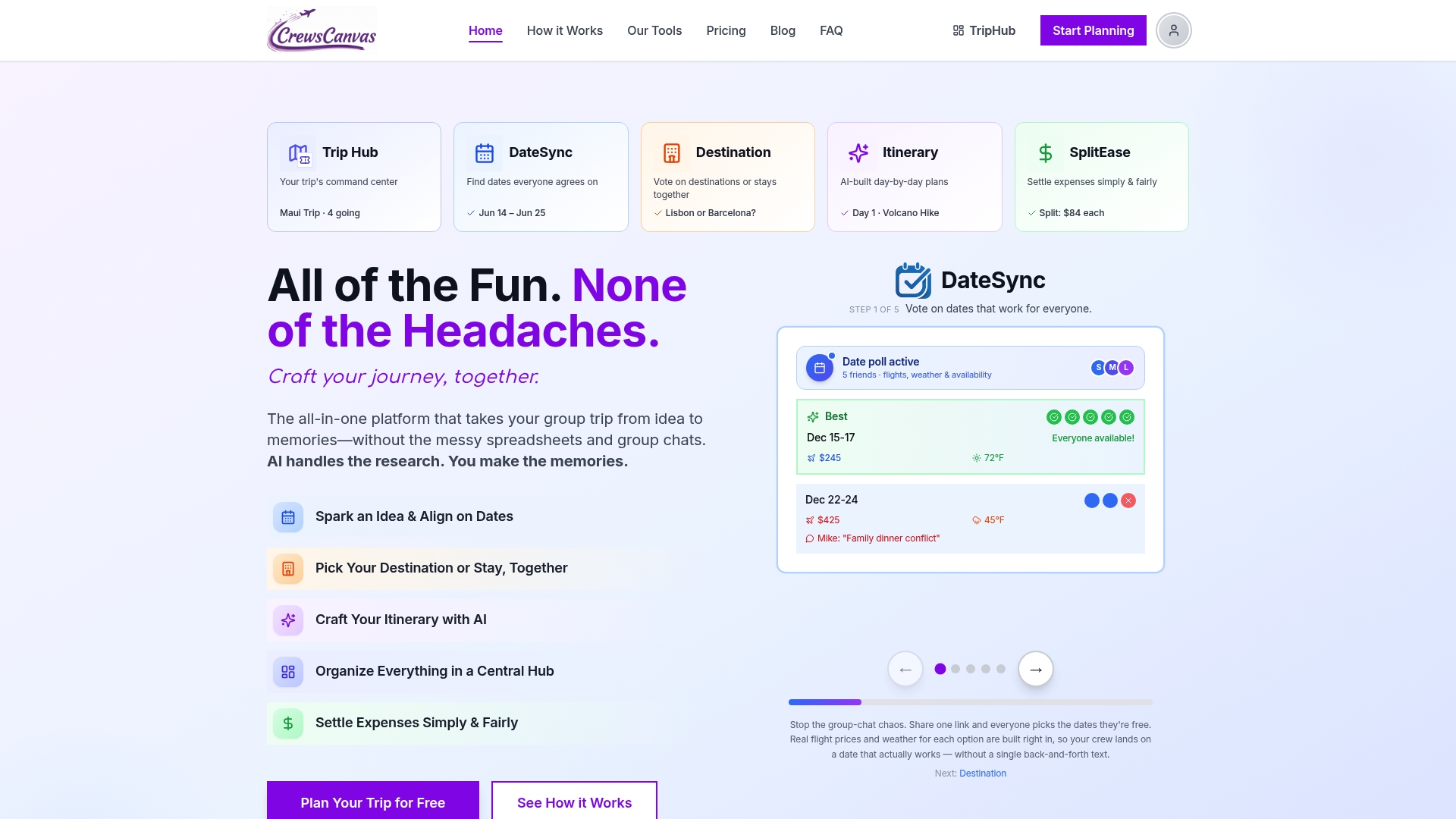
If you're tired of reconstructing who-owes-what from a week-old group chat, SplitEase keeps every expense, split, and settlement in one shared place your whole group can see without downloading anything. Start free, log your first trip, and see how much simpler settling up becomes. Check out SplitEase or compare plans on our pricing page.
This article is general information, not a substitute for advice from a qualified financial advisor. Consult a qualified financial professional about your own circumstances before acting on anything here.

FAQ
What is the best expense tracker for a trip?
The best tracker is whichever one your whole group will actually use consistently, whether that's a shared spreadsheet with a Paid Status column or an integrated platform like SplitEase that logs receipts and splits automatically. For groups of five or more, a dedicated tool tends to hold up better than a notes app over a multi-day trip.
Is there a free travel expense tracker app available?
Yes, several split-expense apps offer free tiers, and CrewsCanvas also offers a free plan that covers trip expense tracking through SplitEase without requiring every participant to create an account.
How do I keep track of travel expenses?
Record the payer, amount, and payment status as soon as the expense happens, either through a payment app request or a one-line entry in a shared note or spreadsheet. A simple formula like =SUMIFS(Amount_range, Paid_Status_range, "Unpaid") in a shared sheet can total what's still owed automatically.
What should I check before trusting a payment app with trip money?
Confirm the recipient's identity before sending, turn on multi-factor authentication, and move balances into your bank account regularly, since the CFPB notes that payment-app balances may lack the deposit insurance a bank account carries. If a payment looks wrong or fraudulent, report it to the app and to the FTC right away.
What's the fastest way to ask friends for unpaid trip money?
A short, friendly nudge within a few days of the trip works best, followed by a direct ask with a specific deadline about two weeks later if payment hasn't arrived. Keeping the tone light in the first message and including a direct payment link usually resolves most balances without tension.