
The simplest fair approach is to itemize each receipt line, assign it to the person who ordered it, prorate tax and tip by subtotal, then round the last cents so the total matches exactly. You can do this with a spreadsheet, an itemized calculator app, or an integrated tool inside CrewsCanvas. Automated receipt scanning speeds up the process, but you should always double-check any line item it flags as low confidence.
TL;DR:
- An even split works when orders are similar and the group accepts rough rounding; uneven orders call for itemized assignments instead.
- Use scanning for short, simple receipts, but manually enter longer or invoice style bills because line items may be missed or assigned incorrectly.
- For recurring trips, keep one shared ledger, confirm totals before payment, and settle promptly rather than tracking separate IOUs across the group.
- A spreadsheet suits a single dinner, while a weeklong trip with a dozen shared expenses benefits from keeping the itinerary and ledger together.
Table of Contents
- Core methods for splitting a shared bill fairly
- How to itemize a receipt and calculate each person's share
- Picking the right tool: spreadsheets, calculators, or integrated trip apps
- Receipt scanning and OCR: what it catches and what it misses
- Tracking balances and settling up without the drama
- Why combining planning and expense tracking cuts down on disputes
- What actually matters when you split costs as a group
- Keep planning and splitting in one place with SplitEase
- FAQ
- Sources
Core methods for splitting a shared bill fairly
Not every group needs the same level of precision, so it helps to know your options before you pick one.
- Item-by-item assignment: Works best when orders differ a lot, like a dinner where one person gets a $40 steak and another gets a $12 salad.
- Proportional tax and tip: Calculate tax and tip based on each person's share of the subtotal, not an even split, so the person with the bigger order pays a bigger share of the extras too.
- Shares or percentage splits: Useful for costs tied to usage or entitlement, like rent divided by room size or groceries divided by household headcount.
- Even splits: The fastest option, but it can feel unfair fast when orders are lopsided.
The tradeoff is speed versus perceived fairness. An even split takes ten seconds and works fine for a group of close friends who order similarly each time. Itemized splitting takes a few more minutes but avoids the quiet resentment that builds when someone always orders the cheap appetizer and still pays the same as the person who ordered three cocktails. Your group's own norms matter here: some crews are fine rounding generously, others want the math exact to the penny.
How to itemize a receipt and calculate each person's share
Here is a repeatable workflow for any shared bill, whether it is a dinner, a grocery run, or a vacation rental split across roommates.
- Capture: Photograph or transcribe the receipt, listing every line item, its price, and its quantity.
- Tag: Assign each item to the person or people who ordered it, using fractions for shared dishes (a split appetizer counts as 0.5 each for two people).
- Calculate subtotals: Add up each person's assigned items before tax and tip.
- Prorate tax and tip: Multiply the tax and tip rate by each person's subtotal share, not an even division.
- Round and reconcile: Adjust the final cents on one person's total so the group sum matches the receipt exactly, then record who owes whom.
Here is the math for a three-person dinner. Alex orders a $20 entree, Bianca orders a $15 entree, and Chris orders a $10 entree. They also split a $12 shared appetizer three ways ($4 each). Subtotals: Alex $24, Bianca $19, Chris $14, for a $57 total. Prorated by subtotal share, Alex owes about $30.23, Bianca about $23.93, and Chris about $17.66, with a one-cent adjustment to make the three totals land exactly on $71.82.
One accurate line-item breakdown like this settles the math faster than a group argument over who ordered what, since the receipt itself becomes the reference everyone can check.

Picking the right tool: spreadsheets, calculators, or integrated trip apps
The right tool depends less on brand and more on how often your group splits costs and how much of an audit trail you want.
- Spreadsheets give you full control and a visible paper trail. A minimal version needs four columns: item, price, assignee(s), and portion (as a fraction or percentage).
- Itemized calculators should let you tag multiple people per item, handle fractional shares, prorate tax and tip automatically, and export or share results as a link or CSV.
- Integrated trip tools go further by linking the itinerary, the shared ledger, and receipt capture in one place, so group members do not need separate sign-ups just to see what they owe.
- Choice criteria: group size, how often you split costs together, everyone's comfort with apps, and whether you need receipts kept for records later.
A spreadsheet works fine for a one-off dinner with four friends. A trip spanning a week with a dozen shared expenses, from groceries to a rental car, usually benefits from a tool that keeps the ledger and the itinerary in the same place, since that cuts down on cross-referencing multiple apps. Our guide on splitting an Airbnb cost fairly between friends walks through a lodging-specific version of this same logic, and the approach in settling a rental car split applies the same proration method to a different kind of shared cost.
Receipt scanning and OCR: what it catches and what it misses
Receipt scanning saves time, but it is not infallible, and knowing where it tends to fail helps you catch mistakes before they turn into wrong charges.
A detailed analysis of Amazon Textract's receipt-processing API found that totals are usually detected reliably, but line-item extraction is far less consistent, especially on invoice-style receipts where the line-item array sometimes comes back empty entirely. Common failure points include misread vendor names or dates, and item lines that get dropped or misassigned when a receipt's layout differs from a standard itemized format.
Mitigations that actually help: review any extraction flagged as low confidence before you trust it, standardize date and price formats during cleanup, and keep the original receipt image for reference if a dispute comes up later.
Pro Tip: When a scanned receipt comes back with missing or garbled line items, switch to manual entry for that bill instead of trying to force the scan to work.
As a decision rule, let automated scanning handle short, simple receipts like a coffee run or a quick lunch, and fall back to manual entry for longer or invoice-style bills where the stakes of a misread field are higher.

Tracking balances and settling up without the drama
Once every item is assigned and the math is done, how you record and settle balances matters almost as much as the math itself.
- Keep a single group ledger rather than tracking individual IOUs, and net the balances so fewer payments need to change hands.
- Confirm the final totals in the group chat or shared ledger before anyone pays, and attach a photo of the receipt so everyone can check the numbers themselves.
- For payments, peer-to-peer apps are convenient, but Consumer Reports notes differences in fraud protection across apps, so it is worth knowing your app's safeguards before sending money to someone you just met on a trip.
- Document any rounding adjustment as a group decision rather than letting it look like someone quietly ate an extra nickel.
Our breakdown on tracking who paid what across a group trip covers a few different ledger structures if your group wants more detail than a single running tally.
Why combining planning and expense tracking cuts down on disputes
Keeping your itinerary and your expense ledger in two different places means double the data entry and double the chances for confusion about who owes what. When scheduling and expense tracking tools live in the same workspace, a receipt tied to a specific trip day stays attached to that context automatically, which saves organizers from reconstructing "wait, was this the Tuesday dinner or the Wednesday one?" after the fact. For trip organizers juggling a dozen shared costs, fewer follow-up messages and a single source of truth for the ledger make reconciliation meaningfully less tedious.
What actually matters when you split costs as a group
The itemized math is not the hard part. Any calculator or spreadsheet can prorate tax and tip correctly in seconds. The part that actually causes friction is visibility: whether everyone can see the same receipt, the same assignments, and the same running total without asking someone else to forward a screenshot.
Conventional advice on this topic spends too much time comparing calculator features and not enough time on the habit that prevents arguments in the first place, which is settling up close to the moment of purchase rather than letting a tab build for two weeks. A perfectly itemized bill still causes resentment if nobody looks at it until the trip is over and memories of who ordered what have faded.
If you take one thing from this, prioritize a shared, visible ledger over a fancier splitting algorithm. The math matters less than making sure nobody has to take your word for it.
— CrewsCanvas
Keep planning and splitting in one place with SplitEase
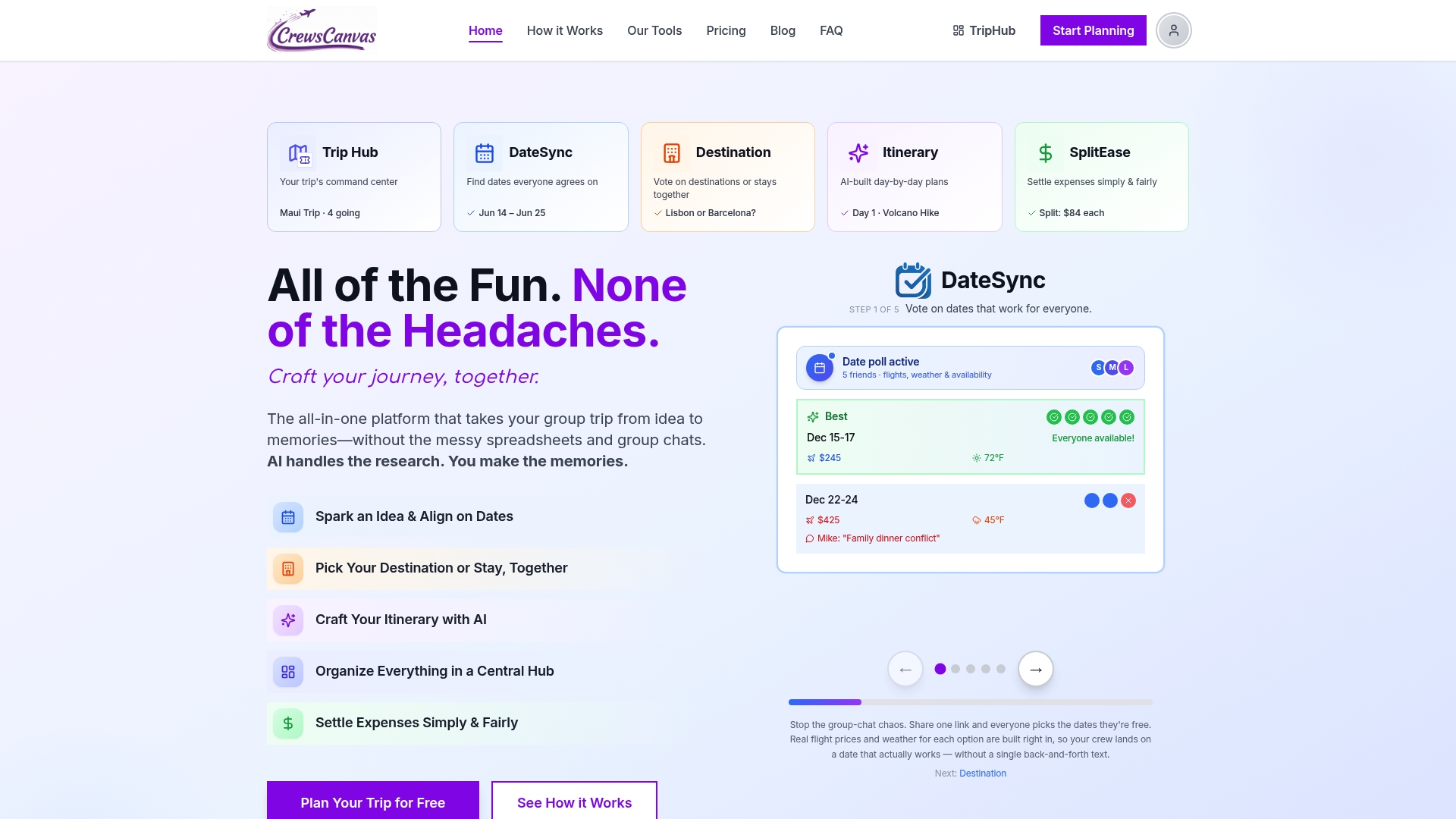
If your group is already juggling a shared itinerary, a group chat, and three different splitting apps, an integrated expense tracking tool inside CrewsCanvas folds expense tracking into the same space where you are planning the trip itself. It supports receipt capture, a shared group ledger, and itemized assignments, and participants can view and update it through a shared link without creating an account.
- Start on the Free plan to try itemized splitting on your next small trip.
- See the full feature set on the SplitEase product page.
- Compare the Pro Subscription at $9.99 per month or One-Trip Pro at a one-off $14.99 on our pricing page if your group needs more capacity.
If your trip also involves booking flights for a larger group, our partner's group flight booking guide is a useful companion once your expense tracking is sorted.
FAQ
How should I split my expenses?
This keeps the split fair when orders vary in size, and a shared ledger or spreadsheet keeps everyone looking at the same numbers.
How do I split expenses between three people?
List every item and tag each one to the person who ordered it, including fractional shares for anything split, like a shared appetizer counted as one-third each for three people. Add up each person's subtotal, prorate tax and tip by those subtotals, then adjust the final cents so all three totals match the receipt exactly.
Can I split my bill into four payments?
Yes, you can divide a bill among four people the same way: itemize each line, assign it to the right person or persons, and prorate tax and tip by subtotal share rather than dividing the total by four. An even four-way split only works fairly when everyone's order is close to the same price.
What is a split expense?
A split expense is any shared cost, like a group dinner, a vacation rental, or household groceries, that gets divided among multiple people based on what each person actually used or ordered. Itemized splitting assigns individual line items to specific people instead of dividing the total evenly across the group.
Sources
- Towards Analysing Invoices and Receipts with Amazon Textract (2025)
- Apple Cash, Cash App, Venmo, Zelle P2P Payment Apps Compared — Consumer Reports